Office
Enquiries, quotes, designs and customer decisions are linked to the right site.

Mivare Sites is construction management software for property developers, general contractors, and construction and installation companies. It helps plan projects, coordinate teams, manage documents and control costs, and also covers working time records, fire safety registers and inspections.
trial period
no commitment, all features
payment
no payment details needed
team
throughout the trial period
contract
cancel whenever you like
The system supports developers, general contractors and construction and installation companies in running projects. It combines schedules, team tasks, documentation, materials, equipment and costs. It also records working time and supports fire-safety registers and inspections.
See the feature setSITESCREWSMATERIALSCOSTS

Enquiries, quotes, designs and customer decisions are linked to the right site.
The schedule, tasks, reports and work documentation show progress and responsibility at every stage.
Materials, equipment and deliveries are assigned to the project. You can check availability when planning the next stages.
Costs, working time and progress on one screen. You make decisions based on current data.
The system supports running sites, coordinating tasks and teams, resource records and project cost control. It also includes fire-safety system registers and inspections.
See everything it can doSITETEAMMATERIALSRESULT
01
Define the scope, plan the stages and assign tasks with deadlines and responsible people.
PROJECTS ⟶
02
Device register, inspection dates, reports and technician routes. The building manager sees the status without an account.
FIRE PROTECTION ⟶
03
Record labour and material costs, log payments and analyse financial data on projects.
BUDGET ⟶
04
You check the availability of materials, delivery requirements and equipment assigned to a task.
RESOURCES ⟶
05
The quote, scope and approvals stay with the project. Everyone goes back to the same agreements.
CUSTOMER ⟶
06
Tasks, attendance, working time, photos and reports from the object in a single project history.
FIELD ⟶
07
Reports combine data on sites, work, resources and finance. You see the picture of the company without compiling it by hand.
NUMBERS ⟶
Mivare Sites supports developers, general contractors and construction and installation companies. It helps coordinate teams, schedules, documentation and project costs.
Do you run several projects?ONECREWMANYPROJECTS

With many buildings you need to know which stages are ready, what is blocking the next front and which decisions are waiting for the team. Sites links objects and projects to deadlines, tasks, documents and costs.
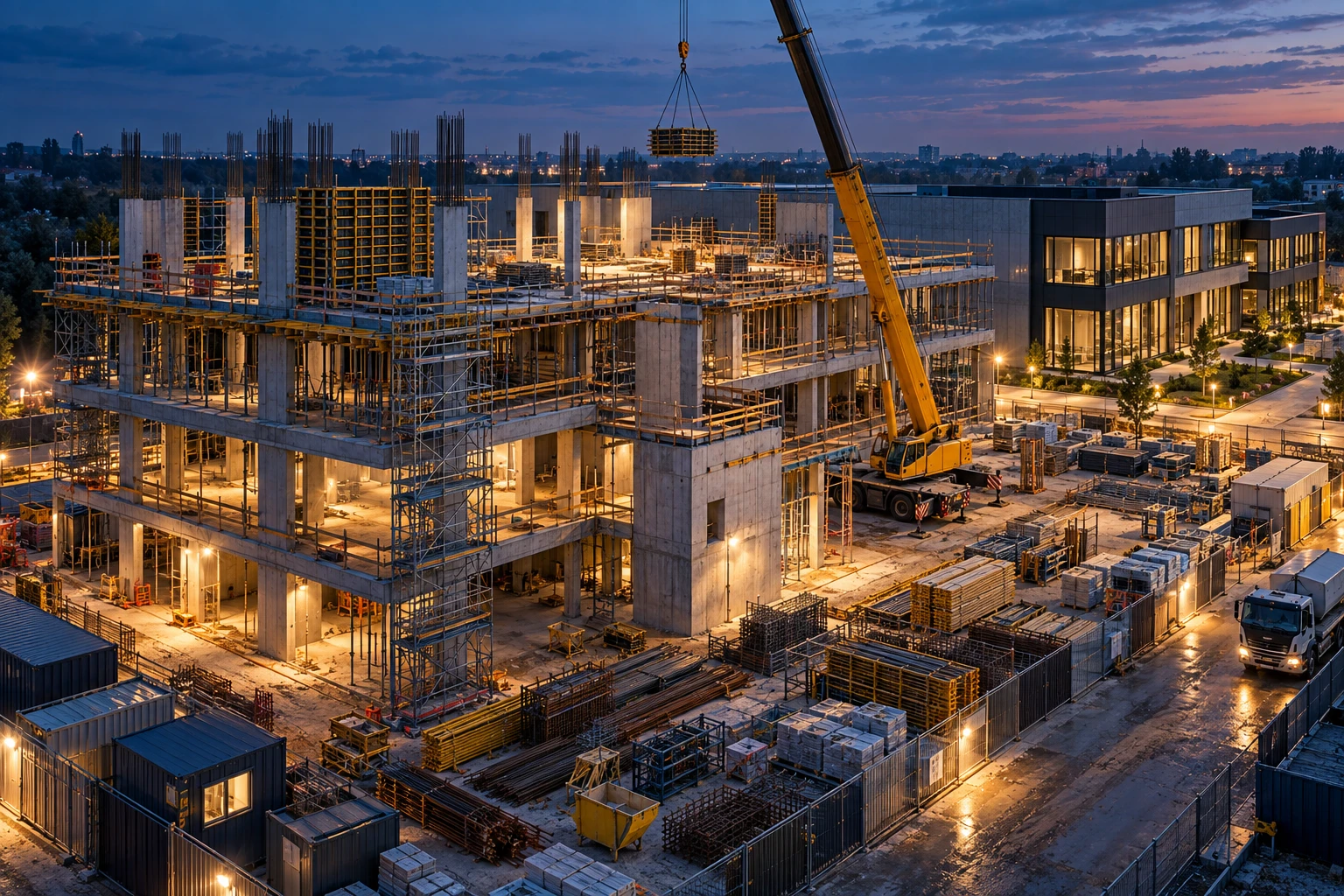
When a manager changes the order of work, the crew needs the current scope, deadline and responsible person. In Sites, tasks, reports, photos and documents stay with the right project.

Subcontractors' work, deliveries and handovers must land in the right window of the schedule. Sites organises stages, dependencies, reports and costs around the site, instead of leaving them in separate spreadsheets.

An inspection doesn't end with the report if a detected defect has no follow-up. In Sites you keep a device register, deadlines and reports, and record recommendations as tasks linked to the building.
Scattered agreements, out-of-date schedules and a lack of current data make it harder to coordinate teams and assess costs.
See the cost featuresSCHEDULETASKSCOSTSRESOURCES
On a task you can record an open issue, the person responsible and a reply deadline.
STATUS AND ACCOUNTABILITYDocuments, photos and decisions are assigned to the site, so the team can return to earlier agreements.
SITE DOCUMENTATIONRecord the cost of materials and labour against the project so you can compare it with the agreed budget as you go.
LABOUR AND MATERIAL COSTSYou can factor requirements and available resources into the schedule and delivery plan.
STOCK AND DELIVERIESInformation on tasks, costs, working time and approvals is assigned to sites.
Register your interestSTAGESCOSTSAPPROVALS

The dashboard gathers tasks, deadlines and reports. It makes it easy to see which matters need a decision.
Costs, payments and progress are assigned to the site, which makes day-to-day budget control easier.
A task, document and decision stay with the right project. The team works from a single source of information.
A quote and changes of scope go through approval. It is easy to return to the agreed version.
Create an account, add your team and your first site. For 30 days you can use the full system.
See for yourself how task planning, materials records, documentation and cost control work in practice.
The trial does not require a payment card.
Mivare Labs creates and develops the Mivare Sites system for companies that run builds and field work.
Tell us what you needWE LISTENWE CHANGEWE REPLY
01
Questions and comments about the system can be passed to the Mivare Labs team.
CONTACT MIVARE LABS ⟶
02
User feedback helps us set the direction for the further development of Mivare Sites.
PRODUCT DEVELOPMENT ⟶
03
The Mivare Labs team develops the system and publishes new versions of it.
NEW VERSIONS OF THE SYSTEM ⟶
04
Have a specific need from your day-to-day work? Write to the people who develop the system.
WRITE TO THE TEAM ⟶
The scope covers handling sites and objects, teamwork, resource records and project documentation.
See the licence rulesSITESCREWSRESOURCESCOSTS
Organise the data for sites, objects, customers and projects.
SITE STRUCTUREPlan deadlines, assign responsibility and record the progress of work.
WORK PLANNINGRecord attendance, working time, assignments and crew tasks.
ATTENDANCE AND TIMEManage stock levels, orders, deliveries and equipment.
PROJECT RESOURCESRecord project costs and analyse financial data within your permissions.
PROJECT COSTSStore documents, photos, approvals and reports related to the work.
SITE HISTORYDescribe how you run sites and what your team needs. We will answer questions about features, setup and licensing rules.
If a particular solution isn't in the system, we will say so before we start working together.
Contact the Mivare Sites team.
Mivare Labs designs and develops Mivare Sites, a construction management system.
More about usMIVARELABSMIVAREGROUP
01
The full feature set for 30 days. No payment card required.
TRIAL TERMS ⟶
02
The licence covers the system's modules, and its price depends on the number of active people.
LICENCE RULES ⟶
03
List data can be exported directly from the system.
ACCESS TO DATA ⟶
04
The licence is billed according to the number of active people using the system.
LICENCE PRICING ⟶